
Key facts
- Manuals
- 1
- Languages
- ZH
- Last added
- 2023-10-30
Featured Nippon Avionics manuals
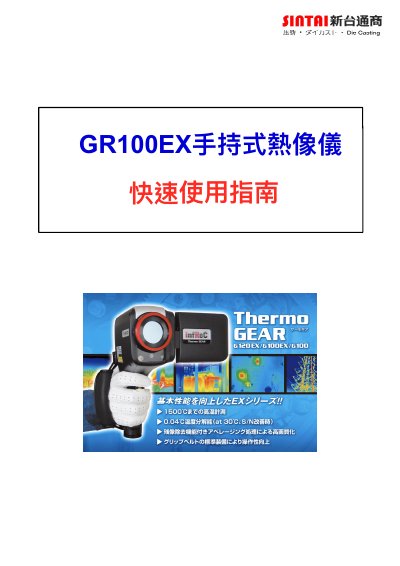
Nippon Avionics GR100EX Handheld Thermal Imager Quick Start Guide
This quick start guide introduces the Nippon Avionics GR100EX handheld thermal imager. It shows the instrument appearance, package contents, button functions, and display indications.
The guide also notes features such as high-temperature measurement, 0.04°C temperature resolution, image averaging with afterimage removal, and a standard grip belt. This manual is written in Chinese.
Covers: Instrument appearance · Product contents · Button functions · Display indications and names · Machine appearance
Latest Nippon Avionics manuals
Nippon Avionics GR100EX Handheld Thermal Imager Quick Start Guide
Quick Start Guide 26 pages · 12.7 MB · ZHNippon Avionics GR100EX handheld thermal imager quick start guide covering instrument layout, controls, display indications, and basic operation.
Which document do I need?
Quick Start Guide
The shortest path to a working setup, usually only a few pages.
Questions answered in Nippon Avionics manuals
What does the REC/FRZ key do?
A short press switches operation between RUN (thermal image capture) mode and FREEZE mode.
From: Nippon Avionics GR100EX Handheld Thermal Imager Quick Start Guide
What does the AS key do?
A short press automatically adjusts the temperature scale, and holding it enters auto gain mode.
From: Nippon Avionics GR100EX Handheld Thermal Imager Quick Start Guide