
How to send encrypted email on Mac OS X Mail
This guide explains how to send secure emails using Mac OS X Mail with Hong Kong Post's E-Cert digital certificates. It covers installing root and user certificates, encrypting and signing messages, and managing the keychain. Users must have Mac OS X v10.3 or later and properly installed certificates to use the service.
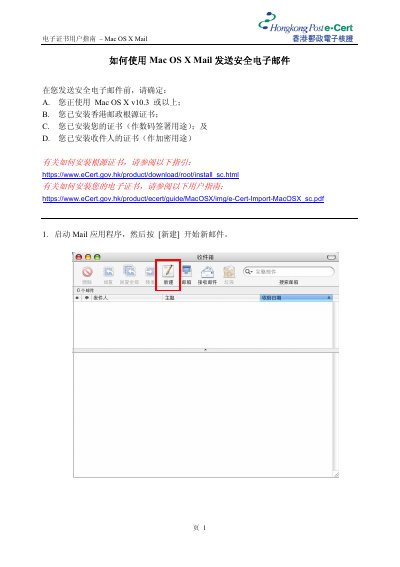
The guide includes step-by-step instructions for composing and sending secure emails, including selecting encryption and signing options, entering recipient addresses, and handling keychain passwords. This manual is written in Chinese.
Refer to the following guide: https://www.eCert.gov.hk/product/download/root/install_sc.html
Refer to the following user guide: https://www.eCert.gov.hk/product/ecert/guide/MacOSX/img/e-Cert-Import-MacOSX_sc.pdf
Your default keychain ([login]钥匙串) password is the same as your user password.