
Key facts
- Manuals
- 1
- Languages
- ZH
- Last added
- 2023-10-30
Featured 香港邮政 manuals
Hong Kong Post E-Cert Mac OS X Mail User Guide
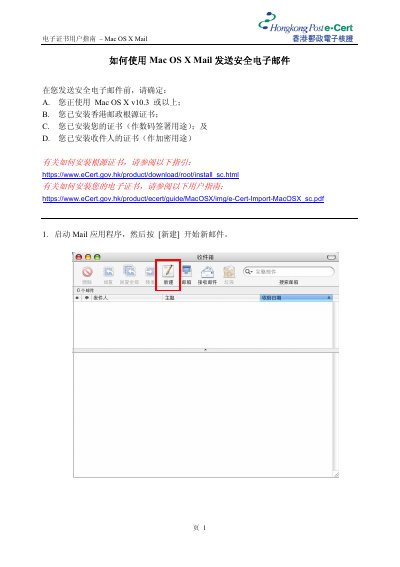
This guide explains how to send secure emails using Mac OS X Mail with Hong Kong Post's E-Cert digital certificates. It covers installing root and user certificates, encrypting and signing messages, and managing the keychain. Users must have Mac OS X v10.3 or later and properly installed certificates to use the service.
The guide includes step-by-step instructions for composing and sending secure emails, including selecting encryption and signing options, entering recipient addresses, and handling keychain passwords. This manual is written in Chinese.
Covers: How to Send Secure Emails · Installing Root Certificate · Installing User Certificate · Encrypting and Signing Emails · Managing Keychain Password
Latest 香港邮政 manuals
Hong Kong Post E-Cert Mac OS X Mail User Guide
User Manual 3 pages · 135 KB · ZHGuide for sending secure emails using Mac OS X Mail with Hong Kong Post's E-Cert digital certificates.
Which document do I need?
User Manual
Day-to-day operation, settings and troubleshooting. Start here if the product is already set up.
Questions answered in 香港邮政 manuals
How do I install the root certificate?
Refer to the following guide: https://www.eCert.gov.hk/product/download/root/install_sc.html
How do I install my electronic certificate?
Refer to the following user guide: https://www.eCert.gov.hk/product/ecert/guide/MacOSX/img/e-Cert-Import-MacOSX_sc.pdf