
LXNAV RS485 to RS232 Bridge Installation Manual

Describes the installation method of RS485 to RS232 Bridge.
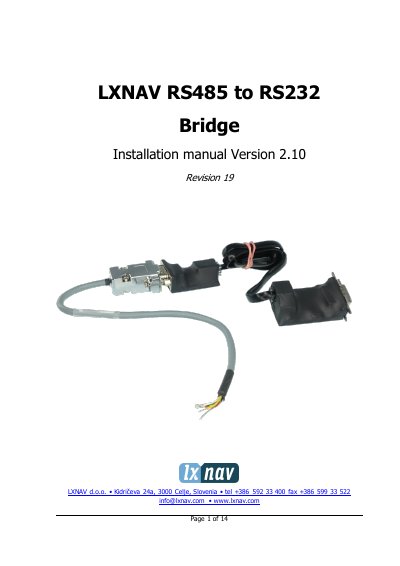

LXNAV RS485 to RS232 Bridge Installation Manual - cover page
Brand
LXNAV
Category
Other
Document type
Installation Guide
Language
English
Pages
14
File format
PDF
File size
1.2 MB
Published
30 October, 2023
Updated
30 October, 2023
MD5 checksum
712AE8F3777C6849E103F745F97B0ACE

About this manual

This manual provides installation instructions for the LXNAV RS485 to RS232 Bridge, a device used to connect RS485 instruments to radios and transponders via an RS232 interface. The bridge connects to the RS485 bus through a splitter and features a RJ12 connector with a standard IGC/FLARM pinout for data and power.

What's inside

  • Important Notices
  • Limited Warranty
  • Packing Lists
  • Basics
  • Installation
  • Wirings
  • NMEA bridge
  • Radios
  • Transponders
  • Multifunction controllers

Specifications

Default baud rate4800bps
Power supply12V DC
Max current100mA

Frequently asked questions

What is the default baud rate for the bridge?

The bridge is programmed to stream NMEA data at 4800bps by default.

Is an RS485 splitter included in the package?

No, an RS485 splitter is not part of the package and must be ordered separately if a spare port is not available.

Download PDF (1.2 MB)