
Key facts
- Manuals
- 1
- Languages
- EN
- Last added
- 2023-10-30
Featured LXNAV manuals
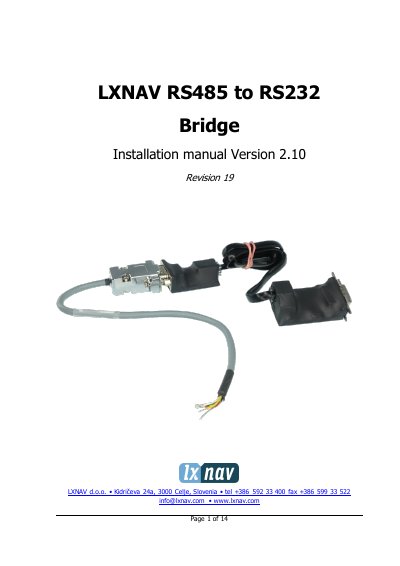
LXNAV RS485 to RS232 Bridge Installation Manual
This manual provides installation instructions for the LXNAV RS485 to RS232 Bridge, a device used to connect RS485 instruments to radios and transponders via an RS232 interface. The bridge connects to the RS485 bus through a splitter and features a RJ12 connector with a standard IGC/FLARM pinout for data and power.
Covers: Important Notices · Limited Warranty · Packing Lists · Basics · Installation · Wirings
Latest LXNAV manuals
LXNAV RS485 to RS232 Bridge Installation Manual
Installation Guide 14 pages · 1.2 MB · ENInstallation and wiring guide for the LXNAV RS485 to RS232 Bridge, covering setup for radios, transponders, and multifunction controllers.
Which document do I need?
Installation Guide
Mounting, wiring and first power-up. Read it before the hardware goes in.
Questions answered in LXNAV manuals
What is the default baud rate for the bridge?
The bridge is programmed to stream NMEA data at 4800bps by default.
Is an RS485 splitter included in the package?
No, an RS485 splitter is not part of the package and must be ordered separately if a spare port is not available.