
Arlo Audio Doorbell and Arlo Chime User Manual
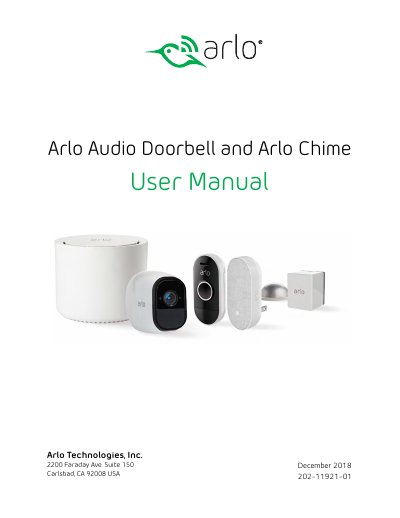
The Arlo Audio Doorbell and Arlo Chime User Manual explains how to set up and use the doorbell with an Arlo base station and compatible Arlo cameras. The doorbell runs on two AA batteries and can call a smartphone or tablet through the Arlo app when pressed; the Arlo Chime alerts users and can be adjusted for melody and volume.
The manual covers mounting the doorbell with or without wiring, connecting it to an AC-powered mechanical or digital chime, installing and pairing the chime, using quick replies, managing recordings and device settings, troubleshooting offline and call issues, and battery safety.
| Power source | Two AA batteries |
|---|---|
| Traditional chime compatibility | AC-powered mechanical and digital chimes, 8–24 volts |
| Not compatible with | Wireless door chimes or chime/intercom systems using a DC transformer |
| Mechanical chime switch setting | Position 2 |
| Digital chime switch setting | Position 1 or 3 |
| Arlo Chime installation location | Indoors only |
| Call connection requirement | Internet connection using 3G, LTE, or WiFi |
No. It is not compatible with wireless door chimes or any chime or intercom system using a DC transformer.
Plug the chime into a power outlet and use the Arlo app to set it up and add it to your Arlo account.
Check that the doorbell has power, and set the chime switch to position 2 for a mechanical chime or position 1 or 3 for a digital chime.
Make sure you are logged in to the Arlo app, incoming calls are turned on, and your smartphone has an Internet connection.