
This manual provides basic information on the Arlo Ultra 4K UHD Wire-Free Security Camera System, including how to connect to the Internet, install and configure the cameras, and how to use the Arlo app to view live video streams, playback videos, record clips, and take snapshots.
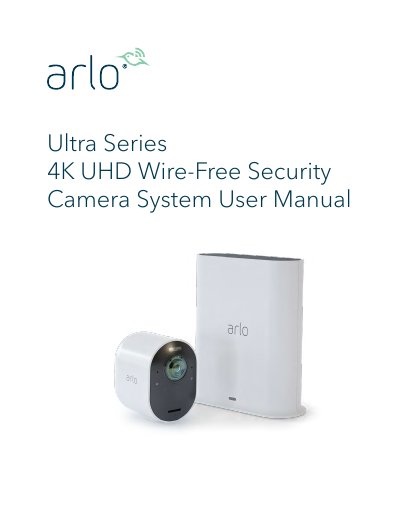
This manual guides users through installing and configuring the Arlo Ultra 4K UHD wire-free security camera system, including connecting the SmartHub, inserting batteries, setting up motion detection, and customizing camera settings. It also covers SD card storage, Arlo Connect integrations, and troubleshooting common issues.
The system features 4K HDR video, enhanced night vision, an integrated spotlight, 180-degree field of view, noise-canceling audio, and auto-zoom tracking. Users can manage devices via the Arlo app or web browser, set up geofencing, and use local storage with microSD cards.
| Video Resolution | 4K |
|---|---|
| Night Vision | Color night vision |
| Field of View | 180 degree |
| Audio Feature | Noise-canceling technology |
Connect the SmartHub to your router with an Ethernet cable and plug in the AC adapter. The LED will light solid blue when connected.
Align the battery and insert it into the battery compartment. Then insert the camera into the housing until it clicks into place.
Use a paper clip to press and hold the Reset button on the back of the SmartHub for 10 seconds. The LEDs will blink amber, then stop when reset is complete.
At least 1 Mbps upstream.