
GSM temperature controller product manual, supports 850M, 900M, 1800M, 1900M four-frequency communications, can bind three phone numbers as notification numbers for alarms, and can customize SMS content. When multiple temperature controllers are bound to the same number, the number or location information of the temperature controller can be distinguished according to the SMS content
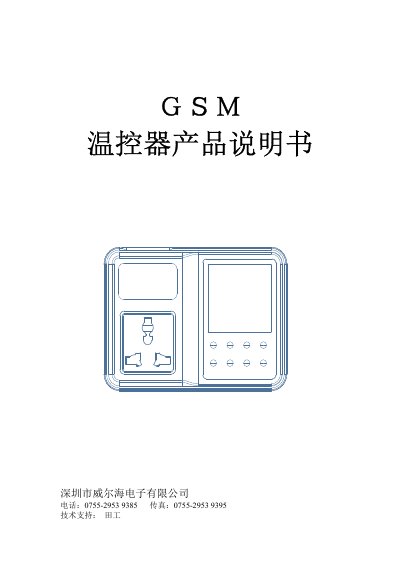
This is the Chinese product manual for the Weierhai (Shenzhen Weierhai Electronics Co., Ltd.) GSM temperature controller. It explains the connections and installation dimensions, then describes how the controller uses a quad-band GSM module (850M, 900M, 1800M, 1900M) with a China Mobile or China Unicom SIM card to send alarm calls and SMS messages. Up to three phone numbers (M1, M2, M3) can be bound as alarm contacts, and custom SMS text can be programmed so several controllers can be told apart.
The manual covers the display and indicator states, powering the unit on and off, and the parameter menu with codes for heating/cooling mode, upper and lower temperature limits, temperature correction, start delay, and high/low temperature alarms. It also documents the advanced menu (Celsius/Fahrenheit, control resolution, SMS language), the power-failure alarm with backup battery, fault messages such as EEE, LLL and HHH, and usage precautions. This manual is written in Chinese.
| Cellular bands | 850M, 900M, 1800M, 1900M (quad-band) |
|---|---|
| SIM card support | China Mobile and China Unicom SIM cards; CDMA Telecom cards are not supported |
| Alarm phone numbers | Three bindable numbers (M1, M2, M3) |
| Temperature resolution | 0.1 °C (01) or 1 °C (10), selectable |
| Supply voltage tolerance | ±10% of standard input voltage |
| SMS language | English or Chinese |
| Backup battery charging on first use | Keep powered for at least half an hour |
Hold down the M1, M2 or M3 key you want to bind until its LED flashes, then call the controller's SIM card number from the phone; when the LED stops flashing and stays on, binding is complete.
From a bound phone, call the SIM card inside the controller; the controller rejects the call and sends the current temperature to the calling phone by SMS.
EEE is shown when the sensor is disconnected.
Yes. During an alarm, press any one of the POWER, SET, UP or DOWN keys to stop the alarm and stop the outgoing alarm calls.