
The Weierhai WH1435 series temperature controller manual provides installation, wiring, operation, and parameter settings.
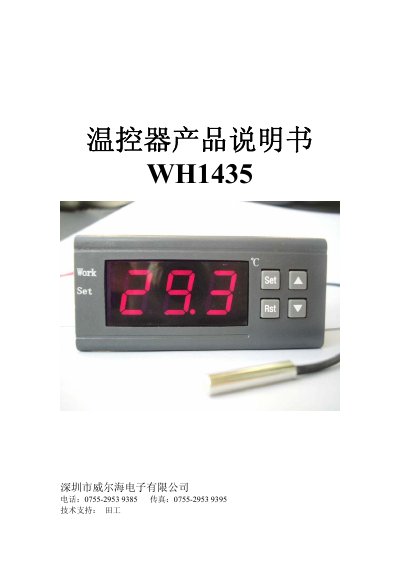
The WH1435 series temperature controller offers high‑precision control with an optimized PID algorithm. It supports non‑contact output and can directly drive loads up to 1000 W. Multiple models (WH1435A, WH1435AF, WH1435B, etc.) cover temperature ranges from –50 °C to 300 °C with step sizes of 0.1 °C or 1 °C.
The manual describes installation opening dimensions, wiring diagrams, and detailed operation procedures. Users can set temperature, adjust PID parameters (D, P, DT), calibrate the sensor, configure delay protection, set upper/lower limits, and enable high/low temperature alarms. Fault codes (EEE, LLL, HHH) and safety notes are also provided. This manual is written in Chinese.
| Temperature range (WH1435A) | -50 °C to 230 °C |
|---|---|
| Temperature step (WH1435B) | 0.1 °C |
| Maximum load | 1000 W |
Press the RST key once to turn it on; hold the RST key for more than 3 seconds while it is on to turn it off.
Hold the SET key for more than 3 seconds, select the CA code, then use the ▲ or ▼ keys to adjust the calibration value.
EEE means the sensor is disconnected, LLL indicates temperature below the measurement range, and HHH indicates temperature above the measurement range.