
This is an instruction manual for a water treatment device, which introduces the internal structure and usage of the device
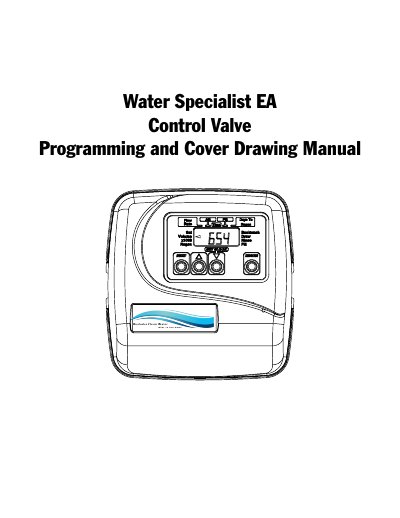
This manual provides instructions for programming the Water Specialist EA control valve, including cover drawings and drive assembly details. It outlines the functions of the user interface, regeneration cycle settings, and configuration steps for various valve types and flow meters.
| Battery Type | 3 volt lithium coin cell type 2032 |
|---|---|
| AC Adapter Voltage | 120 V AC 230V AC |
| AC Adapter Output | 12 V AC |
| AC Adapter Current | 500 mA |
| Supply Frequency | 60 Hz 50 Hz |
Press the NEXT and REGEN buttons simultaneously for 3 seconds to initiate a control reset.
Clear the error by disconnecting the power supply at the PC board and reconnecting, or press the NEXT and REGEN simultaneously for 3 seconds.
Press the down arrow, NEXT, REGEN, and up arrow in sequence, then press the down arrow and up arrow simultaneously for 5 seconds and release.