
This is the user manual of professional karaoke preamplifier. It mainly introduces the features and usage of the product.
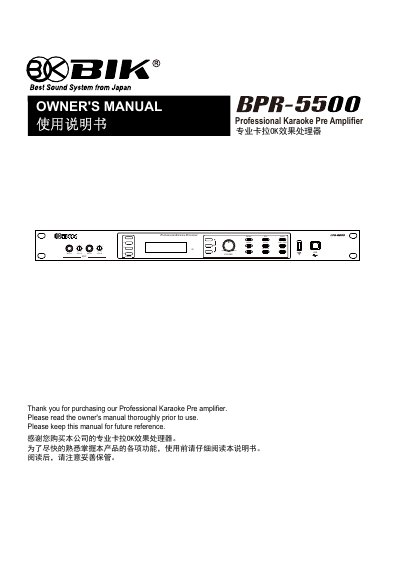
This owner's manual describes the BIK BPR-5500, a professional karaoke preamplifier (professional karaoke effect processor). It covers safety cautions, the names and functions of panel parts, connection examples, and operation of the device's menus, remote control and presets.
The BPR-5500 uses 48kHz sampling with 32-bit floating point DSP processing and 24-bit AD/DA conversion. It provides two independent MIC processing channels for up to 4 MIC inputs, music inputs (VOD, AUX, optical and coaxial), ECHO and REVERB effects, and 5.1 channel outputs (L/R, center, surround and sub woofer). All functions can also be operated from a computer via the BPR-5500 PC software over USB or WiFi.
| Sampling rate / DSP | 48kHz sampling rate, 32-bit floating point DSP, 24-bit AD/DA |
|---|---|
| Power input | AC 90-250V, 50Hz, 10W |
| MIC inputs | 2 independent MIC processors, 4 MIC inputs, 15 band PEQ |
| Music inputs | 2 stereo music inputs (BGM and VOD), AUX, 1 optical and 1 coaxial input, 10 band PEQ |
| Outputs | 5.1 channel output: L/R, center, surround, sub woofer |
| Presets | 1 factory preset and 10 user presets |
| Display / control | LCD display with infrared remote control, USB and WiFi ports, RS232 port |
The unit can be used only with AC90V - AC250V at 50Hz.
Connect the computer and the pre amplifier with a USB cable and turn on the pre amplifier; the computer will find new hardware automatically. The BPR-5500 PC software can be downloaded from the BIK home page.
Connect the WiFi adaptor to the pre amplifier and turn it on, then set the computer's WiFi connection to DSP_AUDIO_******.
Pressing MUTE silences the sound, and pressing it again returns the sound to its original level.