
Key facts
- Manuals
- 1
- Languages
- EN
- Last added
- 2023-10-30
Featured BIK manuals
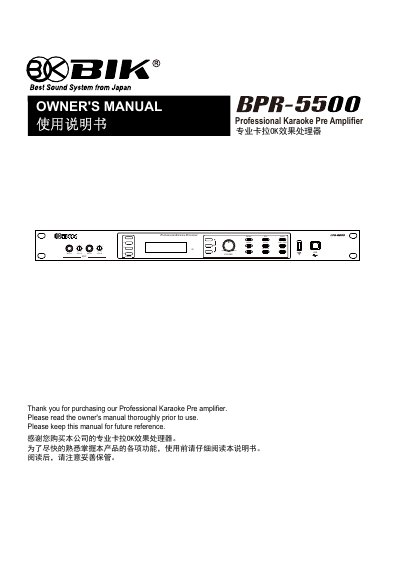
BIK BPR-5500 Professional Karaoke Pre Amplifier Owner's Manual
This owner's manual describes the BIK BPR-5500, a professional karaoke preamplifier (professional karaoke effect processor). It covers safety cautions, the names and functions of panel parts, connection examples, and operation of the device's menus, remote control and presets.
The BPR-5500 uses 48kHz sampling with 32-bit floating point DSP processing and 24-bit AD/DA conversion. It provides two independent MIC processing channels for up to 4 MIC inputs, music inputs (VOD, AUX, optical and coaxial), ECHO and REVERB effects, and 5.1 channel outputs (L/R, center, surround and sub woofer). All functions can also be operated from a computer via the BPR-5500 PC software over USB or WiFi.
Covers: CAUTION FOR SAFETY · FUNCTION AND NAME · CONNECTION · PC SOFTWARE · PC SOFTWARE WINDOW · PC SOFTWARE OPERATION INSTRUCTION
Latest BIK manuals
BIK BPR-5500 Professional Karaoke Pre Amplifier Owner's Manual
User Manual 20 pages · 2 MB · ENOwner's manual for the BIK BPR-5500 professional karaoke preamplifier, covering safety, connections, front/rear panel controls and PC software operation.
Which document do I need?
User Manual
Day-to-day operation, settings and troubleshooting. Start here if the product is already set up.
Questions answered in BIK manuals
What power supply does the BPR-5500 require?
The unit can be used only with AC90V - AC250V at 50Hz.
From: BIK BPR-5500 Professional Karaoke Pre Amplifier Owner's Manual
How do I connect the BPR-5500 to a computer with USB?
Connect the computer and the pre amplifier with a USB cable and turn on the pre amplifier; the computer will find new hardware automatically. The BPR-5500 PC software can be downloaded from the BIK home page.
From: BIK BPR-5500 Professional Karaoke Pre Amplifier Owner's Manual