
User Manual of C Series Handheld Infrared Thermometer
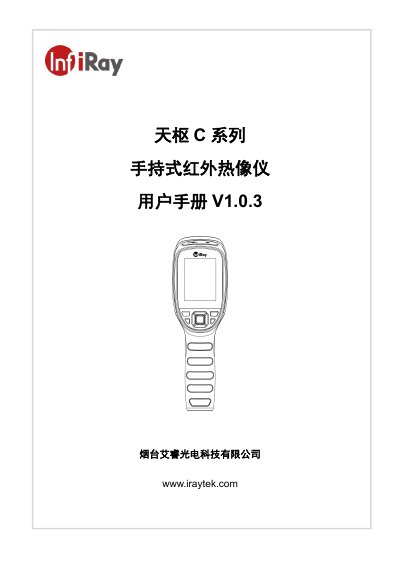
This manual is for the Iraytek Tianshu C Series handheld infrared thermal imagers, including the C200SE, C200, and C200PRO models. It covers safety information, user notes, customer service, model differences, device description, quick start, user interface, operation, settings, application scenarios, structural drawings, FAQ, software download, firmware update, and cleaning.
It also describes measurement modes, temperature alarms, USB connection, timed and alarm photo functions, and model-specific differences such as visible-light camera resolution, temperature range, and battery life. This manual is written in Chinese.
| Infrared resolution | 256 × 192 (all models) |
|---|---|
| Visible-light camera | 2 megapixels (C200 and C200PRO) |
| Display | 2.8-inch LCD, 320 × 240 |
| NETD | 40 mK |
| Temperature measurement range | -20°C to +350°C (C200SE); -20°C to +550°C (C200, C200PRO) |
| Field of view | 56° × 42° |
| Focus | Fixed focus (no adjustment) |
| Timed photo | Supported on C200PRO |
| Temperature alarm | LED flash and on-screen prompt |
| Alarm photo | Supported on C200PRO |
| Measurement modes | Center point, highest temperature, lowest temperature; C200PRO adds 3 custom points |
| USB connection | U-disk mode; C200PRO also supports UVC mode with real-time temperature analysis |
| Battery life | 9 h (C200SE), 11 h (C200), 15 h (C200PRO) |
The target must use the corresponding emissivity, and the device distance setting should match the actual measurement distance.
The USB mode may not have been set successfully; change it to USB camera mode.
The measurement range may not have been switched; select the range corresponding to the target temperature.
Auto shutdown is enabled; set it to 5, 10, or 20 minutes, or turn it off.