
Blue Eagle 2.0 Manual, mainly introduces the main modules of Blue Eagle Government V0.7.0 and V0.8.0, including all-net discovery, overseas discovery, vision, and special analysis four major modules, as well as the functions of each module.
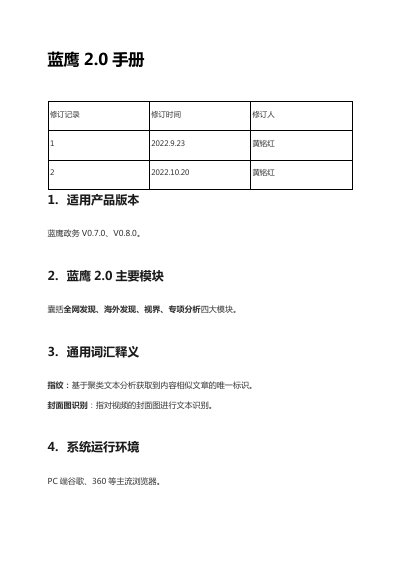
The Lanying (Blue Eagle) 2.0 manual covers the 蓝鹰政务 V0.7.0 and V0.8.0 releases of a public opinion monitoring system used in a PC browser such as Google Chrome or 360. It explains first-time login with an invitation code requested from the system administrator, later login by scanning a WeChat QR code, logging out, WeChat unbinding, the module overview and the left-hand navigation bar. This manual is written in Chinese.
| Applicable product versions | 蓝鹰政务 V0.7.0, V0.8.0 |
|---|---|
| System operating environment | PC with mainstream browsers such as Google Chrome or 360 |
| Default search time range | Last one month by default, up to three months |
| Keyword operators | + , | or ( ) for keyword combinations |
| Specified authors per search | Up to 10 authors, comma-separated |
| Overseas data intake | More than 500 million records per day |
| Overseas search language coverage | 100+ languages |
| One-click translation | 50+ languages |
| Head-site media coverage | 10+ head-site media outlets |
The user must request an invitation code from the system administrator, then scan the QR code and enter that code; the WeChat account is then bound to the user account.
The system runs on a PC with mainstream browsers such as Google Chrome or 360.
There is currently no unbinding operation; the account can only be deleted.
Wait a while, and if the wait exceeds 3 minutes, refresh the page; if the problem remains, contact customer service.