
Key facts
- Manuals
- 1
- Languages
- ZH
- Last added
- 2023-10-30
Featured 蓝鹰 manuals
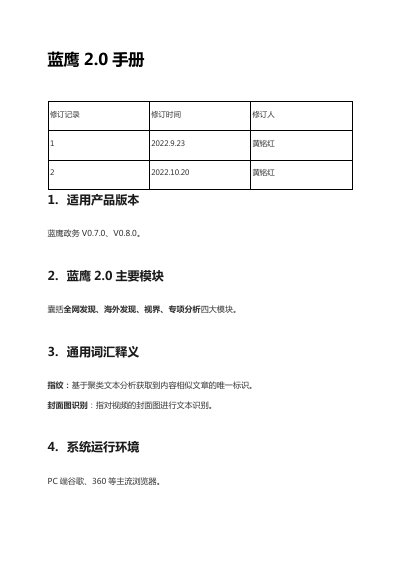
Lanying Blue Eagle 2.0 Public Opinion Monitoring System User Manual
The Lanying (Blue Eagle) 2.0 manual covers the 蓝鹰政务 V0.7.0 and V0.8.0 releases of a public opinion monitoring system used in a PC browser such as Google Chrome or 360. It explains first-time login with an invitation code requested from the system administrator, later login by scanning a WeChat QR code, logging out, WeChat unbinding, the module overview and the left-hand navigation bar. This manual is written in Chinese.
Covers: Revision record and applicable product versions · General term definitions (fingerprint, cover image recognition) · System operating environment · Logging in, logging out and WeChat unbinding · Module overview table · Navigation bar
Latest 蓝鹰 manuals
Lanying Blue Eagle 2.0 Public Opinion Monitoring System User Manual
User Manual 60 pages · 9.7 MB · ZHChinese user manual for the Lanying (Blue Eagle) 2.0 public opinion monitoring system: login, the four modules, search settings and troubleshooting.
Which document do I need?
User Manual
Day-to-day operation, settings and troubleshooting. Start here if the product is already set up.
Questions answered in 蓝鹰 manuals
How does a new user log in for the first time?
The user must request an invitation code from the system administrator, then scan the QR code and enter that code; the WeChat account is then bound to the user account.
From: Lanying Blue Eagle 2.0 Public Opinion Monitoring System User Manual
Which browsers does the system run in?
The system runs on a PC with mainstream browsers such as Google Chrome or 360.
From: Lanying Blue Eagle 2.0 Public Opinion Monitoring System User Manual