
The user manual of SmartStand™. It introduces the contents of the box, setup, connection and other functions.
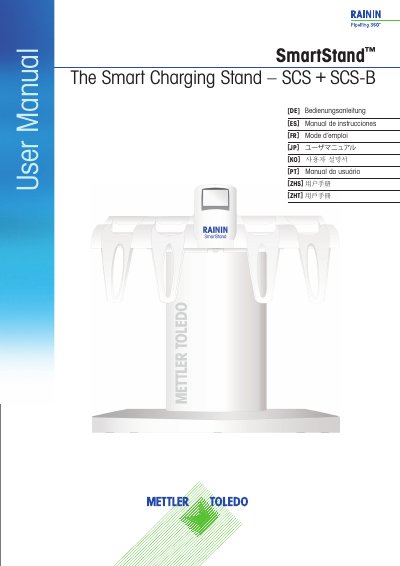
The Rainin SmartStand SCS and SCS-B are smart charging stands. This user manual covers setup and use, including box contents and accessories, assembling, connecting and closing the stand, the on/off button, charging a pipette, screen settings, date and time, password setup, EasyDirect setup, Bluetooth connection, PC setup, firmware updates, troubleshooting, technical data, care and maintenance, disposal, warranty and conformity statements.
The document also includes warnings and symbols, such as risk of electrical shock, LPS certification, indoor use only, and a non-chargeable 3V coin battery (CR1225). It states that the full manual is available at www.mt.com/rainin-SStanddocs.
| Battery | Non-chargeable 3V coin battery (CR1225) |
|---|---|
| Use environment | Indoors only |
| Power supply certification | LPS certified only |
The manual covers SmartStand SCS and SCS-B.
It contains a non-chargeable 3V coin battery (CR1225).
No. The manual says do not open SmartStand.
At www.mt.com/rainin-SStanddocs.