
This manual provides detailed instructions on how to use the PCE-HT 50 hygrometer. It covers safety notes, specifications, contents, operation, getting started, functions, battery replacement, contact, and disposal.
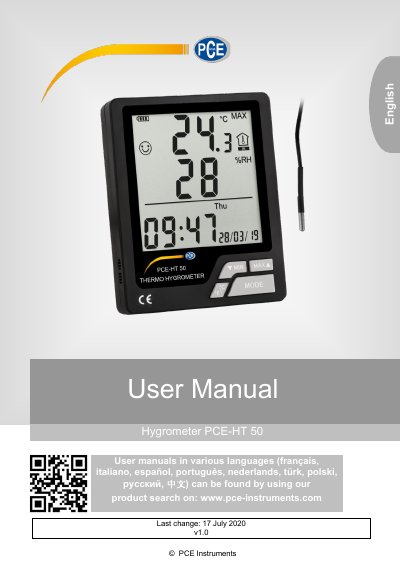
This user manual provides instructions for operating the PCE-HT 50 hygrometer, including safety precautions, setting date/time, using functions like humidity and temperature display, and battery replacement. It also includes contact information and disposal guidelines for batteries and devices.
The device measures air temperature and humidity with a range of -20 to 60°C and 20 to 99% RH respectively, and features an external temperature sensor, comfort level indicator, and alarm functions.
| Measurement range (Air temperature) | -20 …60 °C |
|---|---|
| Measurement range (Air humidity) | 20 ... 99 % RH |
| External temperature sensor range | -50 ... 100 °C |
| Displayable units | °C / °F |
| Power supply | 2 x 1.5 V AAA battery |
| Dimensions | 117 x 95 x 23 mm |
| Weight | approx.185 g incl. batteries |
Press and hold the MODE key until a beep sound is heard. Then use the MIN and MAX keys to select the date format, and the UP and DOWN keys to set day, month, and year. Use MODE to switch to hour and minute settings, then use UP and DOWN to adjust. Exit with the temperature unit key.
When the battery level indicator shows no bars, open the battery compartment by pulling the cover downwards, insert new 1.5 V AAA batteries with correct polarity, and replace the cover.
Press and hold the MIN key for 3 seconds to reset the lowest measured temperature. Press and hold the MAX key for 3 seconds to reset the highest measured temperature.
The device operates within a temperature range of -20 to 60°C and a maximum relative humidity of 90% RH.