
PCE-VM 31 is a manual vibration meter that can measure hand-arm vibration and whole-body vibration.
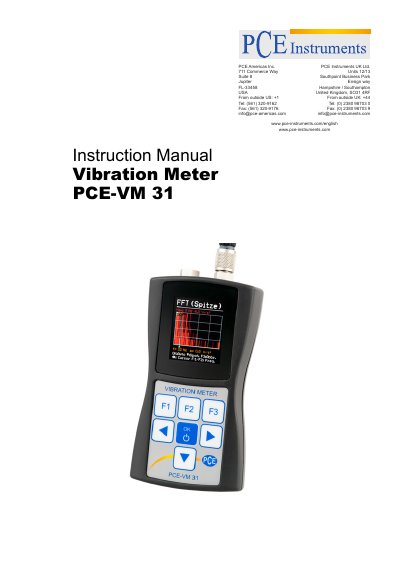
This manual explains how to operate the PCE VM31 vibration meter for measuring hand-arm and whole-body vibrations. It covers battery use, sensor connection, measurement settings, and data transfer to a PC via Excel. The device supports TEDS for sensor calibration and includes safety guidelines based on EU Directive 2002/44/EC.
The manual also details calculation methods for daily vibration exposure (A(8) and VDV(8)) and provides technical specifications for the VM31, including supported sensor types and battery requirements.
| Battery Type | Three AAA (LR03) alkaline or rechargeable NiMH (HR03) batteries |
|---|---|
| Sensor Compatibility | Supports IEEE 1451.4 TEDS template no. 25 (with or without transfer function) |
| Vibration Measurement Types | Hand-Arm and Whole-Body vibration (RMS or VDV values) |
The VM31 measures Hand-Arm and Whole-Body vibration, with Whole-Body options for RMS or VDV values.
Plug the sensor cable into the right connector. The VM31 will start TEDS detection, and if the sensor has TEDS, sensitivities are displayed for each channel.