
This manual introduces the operation method of DPC$Touch$V2$ controller, including product specifications, hardware composition, interface ports, installation and use instructions.
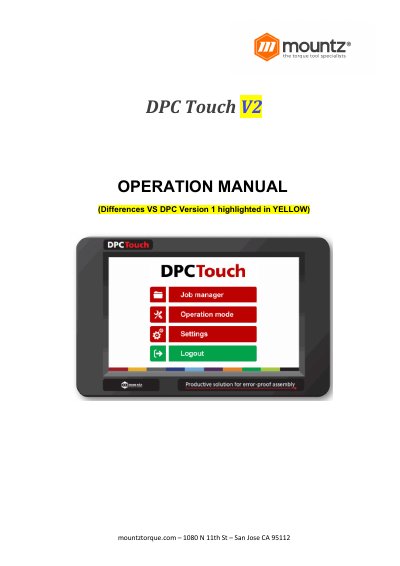
The DPC Touch V2 Controller Operation Manual provides instructions for setting up, programming, and operating the DPC Touch V2 controller, which is used for automating fastening processes. The controller features a 7-inch LCD touch screen, 12 inputs and 12 outputs, and supports multiple tools and encoders for precision assembly tasks.
The manual covers hardware specifications, interface ports, getting started procedures, job manager operations, step creation (fastening, logical input/output, delay, message), settings, operating modes, and detailed electrical wiring diagrams for automation equipment, encoders, and various Mountz tools.
| Input power | DC24V, 1A (AC 100-240V / DC 24V adaptor provided) |
|---|---|
| Dimensions | 202(W) x 128(H) x 38(D) mm |
| Weight | 0.55 kg |
| Screen | 7” LCD Touch screen, 800 x 480 px |
| Inputs and Outputs | 24V 12 inputs and 12 outputs with assignable functions |
| Analog encoders | 4 channels, 0...5V |
| Memory card | Removable SD card, 8Gb |
| Total jobs memory | 255 jobs with open structure |
| Total positions memory | 255 jobs x 80 steps x 50 positions per fastening step max 999 positions in one job (counter limit) |
| Positioning accuracy | 0.09° for angular encoders <0.5 mm for linear encoders |
| Compatible tools | All tool with signals – electric or pneumatic. Min required signals: «Fastening OK», «Tool Lock» |
| Communication | RS232 for bar code scanner and firmware upgrade Ethernet |
The default factory password is "0". If the password is set to "0", there is no need to enter it; simply press the OK button directly.
The positioning accuracy is 0.09° for angular encoders and less than 0.5 mm for linear encoders.