
Key facts
- Manuals
- 1
- Languages
- EN
- Last added
- 2023-10-28
Featured DPC manuals
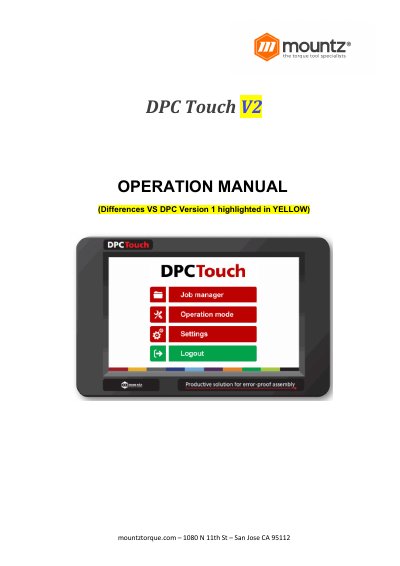
DPC Touch V2 Controller Operation Manual
The DPC Touch V2 Controller Operation Manual provides instructions for setting up, programming, and operating the DPC Touch V2 controller, which is used for automating fastening processes. The controller features a 7-inch LCD touch screen, 12 inputs and 12 outputs, and supports multiple tools and encoders for precision assembly tasks.
The manual covers hardware specifications, interface ports, getting started procedures, job manager operations, step creation (fastening, logical input/output, delay, message), settings, operating modes, and detailed electrical wiring diagrams for automation equipment, encoders, and various Mountz tools.
Covers: Specifications · Hardware · Getting Started · Main Menu · Job Manager · New Job Creation
Latest DPC manuals
DPC Touch V2 Controller Operation Manual
User Manual 40 pages · 4.7 MB · ENOperation manual for the DPC Touch V2 controller, featuring specifications, hardware interfaces, job creation, and electrical wiring instructions.
Which document do I need?
User Manual
Day-to-day operation, settings and troubleshooting. Start here if the product is already set up.
Questions answered in DPC manuals
What is the default factory password for the DPC Touch V2 controller?
The default factory password is "0". If the password is set to "0", there is no need to enter it; simply press the OK button directly.
What is the positioning accuracy of the controller?
The positioning accuracy is 0.09° for angular encoders and less than 0.5 mm for linear encoders.