
User manual of the AC1200 distributed home WiFi router system, introduces the hardware connection, pairing and setting of the router
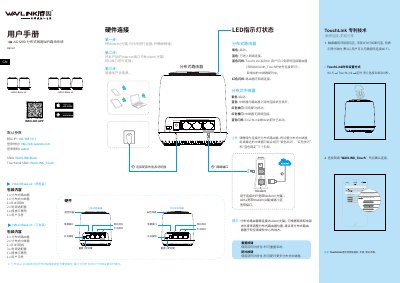
The Wavlink AC1200 is a distributed home WiFi router system that uses TouchLink technology for easy pairing and provides wireless coverage through a router and optional repeaters.
The manual covers hardware connection, LED indicator meanings, default settings, package contents, and step-by-step setup via web browser or Wavlink app. It also includes troubleshooting FAQs and instructions for adding repeaters. This manual is written in Chinese.
| Default IP address | 192.168.10.1 |
|---|---|
| Login URL | http://wifi.wavlink.com |
| Default SSID | WAVLINK-Mesh |
| TouchLink SSID | WAVLINK_Touch |
Ensure your computer is set to obtain an IP address automatically, try entering http://192.168.10.1, use a different browser, or restart the router.
Press and hold the RESET button on the back of the router for 6 seconds while the router is running.
Log in to the router management page, select Wi-Fi -> Wi-Fi Settings, and the Wi-Fi password will be displayed.