
This is the user manual of 19” Panel Mount Industrial Monitor Model No. HIS-ML19-___B, it introduces how to set the display mode, OSD and Power Lock settings, adjust the screen image, as well as installation instructions and cleaning methods.
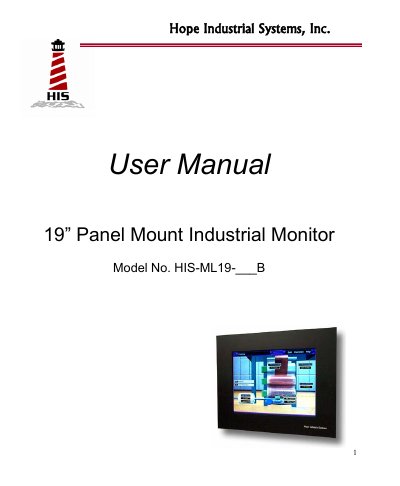
This user manual covers the Hope Industrial Systems HIS-ML19 19-inch panel mount industrial monitor. It includes safety and regulatory information, FCC compliance, instructions for using the LCD display, OSD and power lock settings, screen image adjustment, main menu controls, installation into a panel, touchscreen driver installation, cleaning, troubleshooting, drawings, specifications, and warranty information.
The manual recommends setting the timing mode to VESA 1280 x 1024 @ 60Hz and warns not to exceed a 75Hz refresh rate. Installation requires a panel cutout of 17.85 inches by 14.44 inches, and the unit is rated for a maximum temperature of 45 °C and maximum humidity of 90% non-condensing.
| Display Type | Thin-film transistor (TFT) Active Matrix Liquid Crystal |
|---|---|
| Size | 19.0” diagonal |
| Native resolution | SXGA (1280 x 1024) @ 60 Hz |
| Brightness | 270 nits (cd/m2) min |
| Contrast ratio | 550:1 (min.) |
| Back light | 4 CCFTs; 50,000 hours, half-life; replaceable |
| Video Input connector | HD-15 plus |
| Horizontal scan | 30kHz – 82kHz |
| Response rate | 8 ms, typical |
The maximum rated temperature is 45 °C (113°F) when properly ventilated with moving air across the back of the unit.
The maximum rated humidity is 90% non-condensing.
The native resolution is SXGA (1280 x 1024) at 60 Hz.
Press and hold button [1] and the up arrow again for 10 seconds.