
Key facts
- Manuals
- 1
- Languages
- EN
- Last added
- 2023-10-28
Featured Hope Industrial Systems manuals
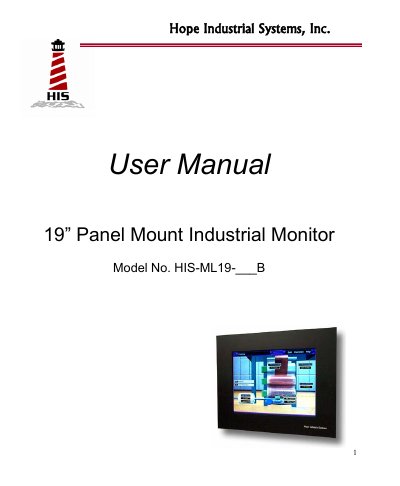
Hope Industrial Systems HIS-ML19 19-inch Panel Mount Industrial Monitor User Manual
This user manual covers the Hope Industrial Systems HIS-ML19 19-inch panel mount industrial monitor. It includes safety and regulatory information, FCC compliance, instructions for using the LCD display, OSD and power lock settings, screen image adjustment, main menu controls, installation into a panel, touchscreen driver installation, cleaning, troubleshooting, drawings, specifications, and warranty information.
The manual recommends setting the timing mode to VESA 1280 x 1024 @ 60Hz and warns not to exceed a 75Hz refresh rate. Installation requires a panel cutout of 17.85 inches by 14.44 inches, and the unit is rated for a maximum temperature of 45 °C and maximum humidity of 90% non-condensing.
Covers: Safety and Regulatory Information · Using the LCD Display · Setting the Timing Mode · OSD and Power Lock Settings · Adjusting the Screen Image · Main Menu Controls
Latest Hope Industrial Systems manuals
Hope Industrial Systems HIS-ML19 19-inch Panel Mount Industrial Monitor User Manual
User Manual 20 pages · 217 KB · ENHope Industrial Systems HIS-ML19 19-inch panel mount industrial monitor user manual covering safety, installation, OSD controls, and troubleshooting.
Which document do I need?
User Manual
Day-to-day operation, settings and troubleshooting. Start here if the product is already set up.
Questions answered in Hope Industrial Systems manuals
What is the maximum rated temperature of the HIS-ML19?
The maximum rated temperature is 45 °C (113°F) when properly ventilated with moving air across the back of the unit.
From: Hope Industrial Systems HIS-ML19 19-inch Panel Mount Industrial Monitor User Manual
What is the maximum rated humidity for the HIS-ML19?
The maximum rated humidity is 90% non-condensing.
From: Hope Industrial Systems HIS-ML19 19-inch Panel Mount Industrial Monitor User Manual