
This manual introduces the basic functions, operations, and programming of the UT32 touchscreen thermostat.
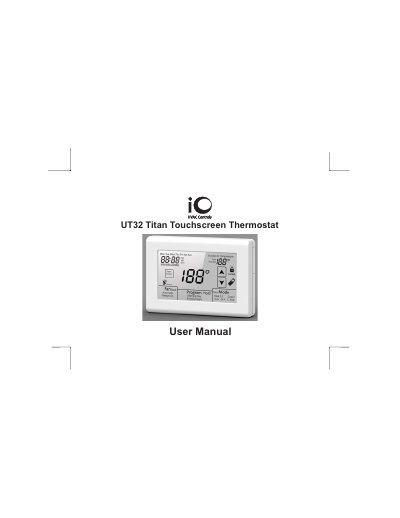
The iO HVAC Controls UT32 Titan is a touchscreen thermostat for residential heating and cooling equipment. It is designed to be installed and configured by a professional heating and air conditioning contractor and provides dependable operation with an easy-to-use touchscreen display.
This user manual covers introduction, touchscreen display use, setting the day time and calendar, basic functions, mode configurations, programming schedules, overrides, and other options such as compressor time delay, low battery indication, outdoor temperature display, battery replacement, and timed ventilation.
| Compressor Time Delay | 4 minute time delay |
|---|---|
| Batteries | two AA batteries |
| Outdoor Temperature Display Range | 1 to 130 degrees Fahrenheit |
| Temperature Display | Fahrenheit only |
The thermostat uses two AA batteries to keep the time-of-day clock running in case of a power failure.
The thermostat has a built-in 4-minute time delay to prevent the air conditioner or heat pump from short cycling.
The outdoor temperature is displayed from 1 degree Fahrenheit to 130 degrees Fahrenheit.
Press the battery access compartment, slide the drawer out, install two AA batteries matching the orientation, and push the compartment in until it clicks shut.