
This quick start guide introduces basic parameter settings for control and protection of a standard induction motor when using the 7-segment (4 digit LED) keypad that comes mounted on the drive. The default settings are used for a standard induction motor controlled with a linear (fixed) V/Hz. pattern with a base frequency of 60 Hz.
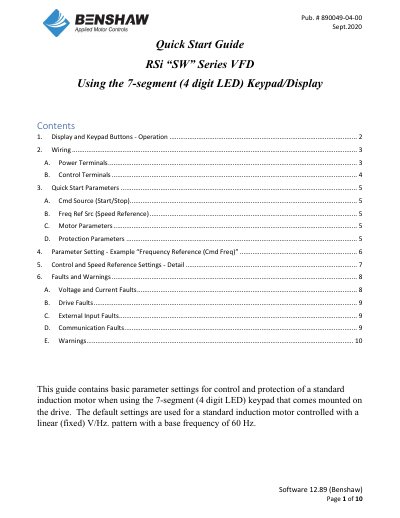
This document is a Quick Start Guide for the Benshaw RSi “SW” Series Variable Frequency Drive (VFD). It provides instructions for using the 7-segment LED keypad to configure basic parameters for controlling a standard induction motor with a linear V/Hz pattern. The guide details the operation of display indicators and pushbuttons, including functions for start/stop, speed reference selection, and motor parameter entry.
| Software Version | 12.89 |
|---|---|
| Publication Date | Sept. 2020 |
| Base Frequency | 60 Hz |
| Motor Type | Standard induction motor |
Press the ENT button twice to confirm parameter changes after making adjustments.
The default base frequency is 60 Hz.
The default command source is Keypad.
The default motor cooling setting is Self-cool.