
G-RAID USB is a high-performance, removable dual-drive RAID solution with Enterprise-class hard drives.
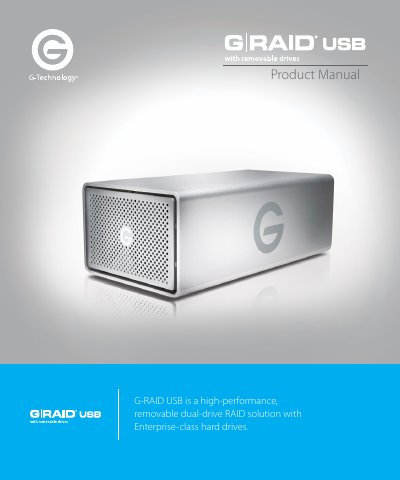
The G-Technology G-RAID USB is a high-speed, low-cost RAID solution featuring a USB 3.0 interface and an all-aluminum housing. It contains two removable HGST 7200 RPM SATA III hard drives and includes a built-in RAID controller, allowing configuration in RAID 0, RAID 1, or JBOD modes. The device is designed for content creation professionals and offers data transfer rates up to 400MB/second when connected via USB 3.0.
| Interface | USB 3.0 |
|---|---|
| Transfer Rate | up to 400MB/second |
| Drive Type | HGST 7200 RPM SATA III |
| Operating Systems | Mac OS 10.9+, Windows 10/8.1/7 |
| RAID Modes | RAID 0, RAID 1, JBOD |
G-Technology recommends keeping two copies of your data in separate storage locations to prevent data loss.
A constant red LED indicates a disk drive failure, and you should contact Technical Support.
Yes, the manual includes specific instructions on how to use the drive with Time Machine on Mac.