
This manual covers setup, usage, RAID configuration, and maintenance for the G-Technology G-RAID with Thunderbolt external storage solution.
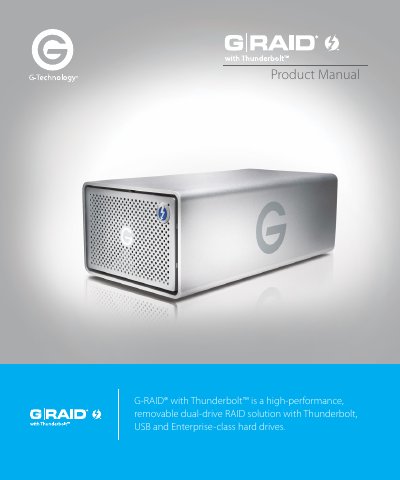
The G-Technology G-RAID with Thunderbolt is a high-performance, removable dual-drive RAID solution featuring Thunderbolt 2 and USB 3.0 interfaces. It is designed for content creation professionals and supports RAID 0, RAID 1, and JBOD modes. The device includes an internal RAID controller and an all-aluminum enclosure with two removable HGST Enterprise-class hard drives.
| Interface | Thunderbolt 2, USB 3.0 |
|---|---|
| Data Transfer Rate | up to 440MB/second |
| Drive Type | HGST Enterprise-class 7200 RPM SATA III |
| Supported OS (Mac) | Mac OS 10.9 + |
| Supported OS (Windows) | Windows 10, 8.1, 7 |
| Warranty Duration | 1 to 5 years |
The limited warranty lasts for 1, 2, 3, or 5 years depending on the region and purchase date.
Yes, the drive supports Mac OS 10.9+ and Windows 10, 8.1, and 7.
If a drive fails in RAID 0 mode, all data will be lost.