
This is the instruction manual of the Rexel WB606, WB656, WB706E stapler
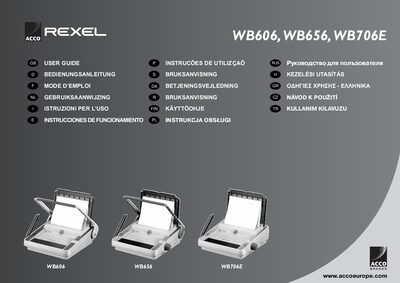
This user guide covers the safe handling, unpacking, and initial setup of the Rexel WB606, WB656, and WB706E binding machines. It includes multilingual safety warnings, instructions for preparing the machine, and details on wiring and paper preparation.
The manual explains how to bind documents using wire elements, adjust wire size, operate the punching mechanism (manual or electric), perform routine maintenance, and troubleshoot common issues. Technical specifications for each model are also provided.
| Maximum binding size | A4 |
|---|---|
| Hole pitch | 3.1" (8.46 mm) |
| Number of punch slots | 34 |
| Margin depth | fixed |
| Maximum paper thickness (80 gsm) | 15 mm (WB606) |
| Maximum PVC foil thickness (0.2 mm) | 2 mm (WB606) |
| Maximum wire diameter | 14 mm |
| Binding capacity (sheets) | 140 |
| Net weight | 11.0 kg (WB606) |
| Dimensions (W×D×H) | 470 × 450 × 200 mm (WB606) |
| Voltage | 230 V 50 Hz AC |
Turn the wire selector on the side of the machine until the number matches the required wire size (5 mm‑14 mm).
Empty the clippings tray; on the WB706E a yellow LED will illuminate to indicate the tray is full.
The machine is recommended to operate at 5 operations per minute, with a maximum of 30 minutes on and 30 minutes off.