
Key facts
- Manuals
- 2
- Languages
- EN
- Last added
- 2023-10-27
Featured Rexel manuals
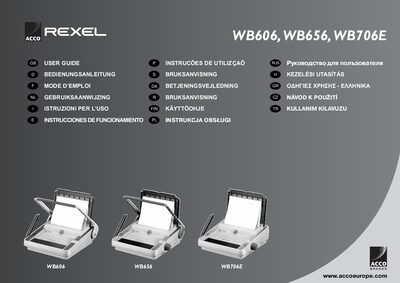
Rexel WB606, WB656, WB706E Binding Machine User Guide
This user guide covers the safe handling, unpacking, and initial setup of the Rexel WB606, WB656, and WB706E binding machines. It includes multilingual safety warnings, instructions for preparing the machine, and details on wiring and paper preparation.
The manual explains how to bind documents using wire elements, adjust wire size, operate the punching mechanism (manual or electric), perform routine maintenance, and troubleshoot common issues. Technical specifications for each model are also provided.
Covers: Getting Started · Safety Tips · Unpacking and Setting Up · Wire Binding Instructions · Punching Paper · Technical Data
Latest Rexel manuals
Rexel WB606, WB656, WB706E Binding Machine User Guide
User Manual 7 pages · 965 KB · ENThe Rexel WB606, WB656, and WB706E binding machine user guide provides safety tips, setup, operation, and maintenance instructions.
REXEL Ice Display Books
The document describes the features and characteristics of Ice Display Books, including copy-safe polypropylene pockets, semi-rigid covers, and full length spine pocket. It is perfect for display, presentation, and storage of documents.
Which document do I need?
User Manual
Day-to-day operation, settings and troubleshooting. Start here if the product is already set up.
Questions answered in Rexel manuals
How do you set the wire size for the WB656 and WB706E models?
Turn the wire selector on the side of the machine until the number matches the required wire size (5 mm‑14 mm).
What should you do if the clippings tray is full?
Empty the clippings tray; on the WB706E a yellow LED will illuminate to indicate the tray is full.