
Maudlin MOBILE is a mobile app that allows users to view all of the city's announcements and events.
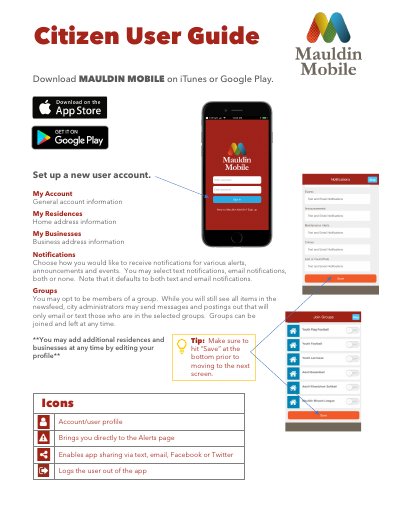
This guide explains how to use the Mauldin MOBILE app for city services. Users can manage accounts, set notifications, join groups, view newsfeed, report non-emergencies, and catalog property. The app also features event listings and facility reservations. Emergency situations should be reported by calling 911.
You may select text notifications, email notifications, both, or none, though the default setting is both text and email.
The newsfeed includes alerts related to traffic, scams, weather, crime, suspicious activity, BOLOs, missing persons, and wanted persons.
No, all emergencies should be reported by calling 911; do not use the app to report emergencies.