
This document introduces the features and characteristics of the Motortronics VMX-synergy™ Ethernet IP module
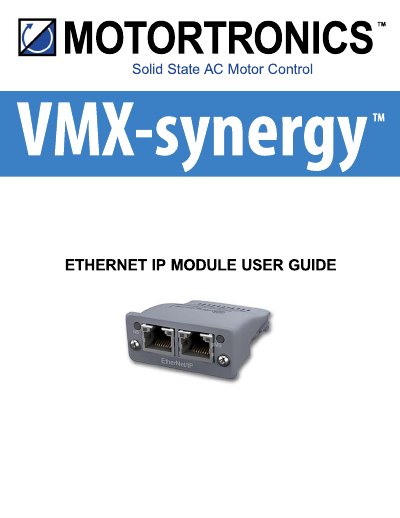
This user guide explains how to install and configure the VMX-synergy™ Ethernet IP Interface for use with VMX-synergy™ soft-start products. It details front panel LED indicators for network and module status, and describes CIP-based communication protocols including Class 1/Implicit and Class 3 Explicit messaging. The guide includes setup instructions for PLC connections and programming using EDS files and IP address configuration tools.
Safety warnings and installation steps are provided, including precautions for electrical safety and proper module insertion. The document also covers data mapping for control and status words, with tables defining bit functions and PNU addressing for network communication.
| Ethernet Interface Ports | Port 1 and Port 2 |
|---|---|
| Network Status LED States | Off, Green (Online), Green flashing, Red (Duplicate IP), Red flashing (Connection timeout) |
| Module Status LED States | Off, Green (Controlled/Run), Green flashing (Not configured), Red (Major fault), Red flashing (Recoverable error) |
It indicates the module is not configured or in idle state.
It has two Ethernet ports: Port 1 and Port 2.
The EDS file enables the interface to be used with HMS Industrial Networks' Anybus AB6604-C M40 module and supports CIP communication.
It is used to configure the IP address for the Ethernet IP Interface, available from www.motortronics.com/downloadVMX-synergy.