
The document is a technical guide for PT-Link II LON-3, which introduces the features and characteristics of the product, such as data sharing, hardware specifications, and system requirements.
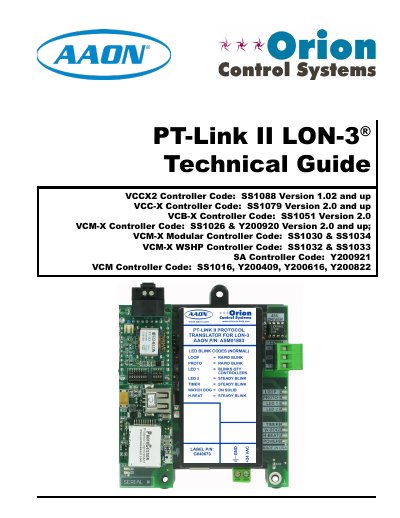
This document provides detailed instructions for installing, configuring, and maintaining the PT-Link II LON-3 interface, which enables bi-directional communication between specific AAON Orion controllers and LON® networks. It includes setup procedures, wiring diagrams, software update methods using Prism 2, and troubleshooting steps for LEDs and communications. The guide also covers data sharing capabilities and hardware specifications for the device.
The PT-Link II LON-3 supports various AAON controllers including VCCX2, VCC-X, VCB-X, VCM-X, SA, and VCM models, each with specific controller codes. It requires a Windows 10 computer, an Ethernet crossover cable, and compatible software for operation. The device operates on 18-30 V AC and supports LONWorks® and HSI Open Protocol communications.
| Power Input Voltage | 18-30 V AC |
|---|---|
| Power Consumption | 10 V A Maximum |
| Operating Temperature | -30°F to 150°F |
| Operating Humidity | 0-95% RH Non-Condensing |
| Weight | 4.7 oz. |
| Network Protocol | LONWorks® |
| Controller Compatibility | VCCX2, VCC-X, VCB-X, VCM-X, SA, VCM, MUA II, V A V/CA V |
The PT-Link II LON-3 supports VCCX2, VCC-X, VCB-X, VCM-X, SA, VCM, MUA II, and V A V/CA V controllers, each with specific controller codes.
Use Prism 2 software on a Windows 10 computer with a USB cable to update the PT-Link II. Download the latest hex file and USB driver, then follow the steps in the guide to flash the controller.
The FieldServer module resides at IP address 192.168.1.24.