
This manual describes the procedure for installation of the LON module in the Supercal 531 integrator either on its own or in combination with the Superstatic 440 and 449 energy meter. The technical data and specifications of the LON module are set out in this manual.
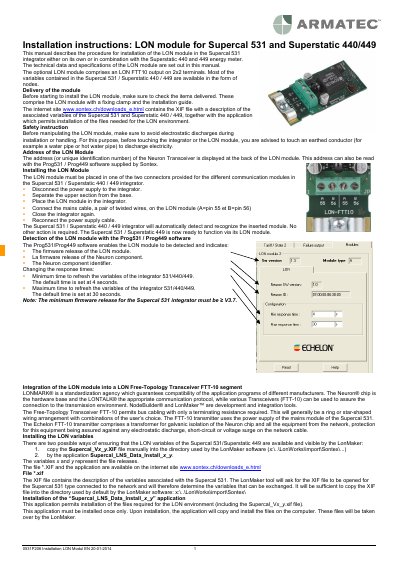
This guide explains how to install the LON module into Supercal 531 or Superstatic 440/449 units, including safety precautions, physical installation steps, and software configuration. It also details technical specifications and available LON variables for integration with LonMaker tools. The module requires firmware version ≥ V3.7 and must be connected using a twisted pair cable with proper grounding.
| Service Temperature | 5° to 55°C |
|---|---|
| Storage Temperature | -10 to 55°C (dry environment) |
| Dimensions | 66x30 mm |
| Transmission Speed | 78 Kbits per second |
| Maximum Nodes per Segment | 64 |
| Minimum Firmware Release | ≥ V3.7 |
Disconnect power, separate the integrator’s upper section, insert the module into one of the two connectors, connect the mains cable (A=pin 55, B=pin 56), close the unit, and reconnect power.
The minimum firmware release for the Supercal 531 integrator must be ≥ V3.7.
The housing dimensions are 66x30 mm.
The default minimum time is set at 4 seconds.