
Key facts
- Manuals
- 1
- Languages
- EN
- Last added
- 2023-10-27
Featured Sontex manuals
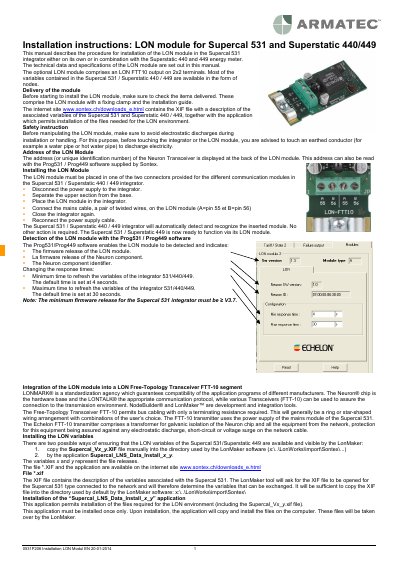
Sontex LON Module Installation Guide for Supercal 531 and Superstatic 440/449
This guide explains how to install the LON module into Supercal 531 or Superstatic 440/449 units, including safety precautions, physical installation steps, and software configuration. It also details technical specifications and available LON variables for integration with LonMaker tools. The module requires firmware version ≥ V3.7 and must be connected using a twisted pair cable with proper grounding.
Covers: Safety Instructions · Installing the LON Module · Detecting the LON Module with Prog531/Prog449 · Changing Response Times · Integrating into LON FTT-10 Segment · Installing LON Variables
Latest Sontex manuals
Sontex LON Module Installation Guide for Supercal 531 and Superstatic 440/449
Installation Guide 4 pages · 314 KB · ENStep-by-step instructions for installing the LON module in Supercal 531 or Superstatic 440/449 integrators, including safety, wiring, and software setup.
Which document do I need?
Installation Guide
Mounting, wiring and first power-up. Read it before the hardware goes in.
Questions answered in Sontex manuals
How do I install the LON module physically?
Disconnect power, separate the integrator’s upper section, insert the module into one of the two connectors, connect the mains cable (A=pin 55, B=pin 56), close the unit, and reconnect power.
From: Sontex LON Module Installation Guide for Supercal 531 and Superstatic 440/449
What is the minimum firmware release required for the Supercal 531 integrator?
The minimum firmware release for the Supercal 531 integrator must be ≥ V3.7.
From: Sontex LON Module Installation Guide for Supercal 531 and Superstatic 440/449