
Lake Washington School District Parent Login Guide
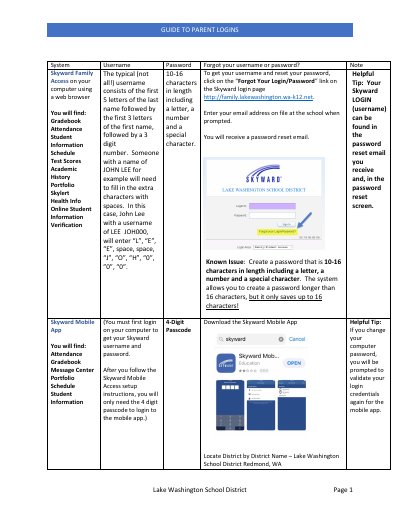
This document provides instructions for parents to manage their login credentials for the Lake Washington School District's student information systems, specifically Skyward Family Access and PowerSchool Learning. It covers procedures for recovering forgotten usernames and passwords, including how to use the 'Forgot Your Login/Password' link and the specific format for Skyward usernames.
The guide also details how to set up and manage online payments through MySchoolBucks, including account registration and payment options. Additionally, it explains how to locate the Skyward Family ID using the My Stop App for bus tracking and provides contact information for technical support and nutrition services.
http://family.lakewashington.wa-k12.net.
A 4-digit security code to open the application.