
This document describes how to troubleshoot ctcLink login issues.
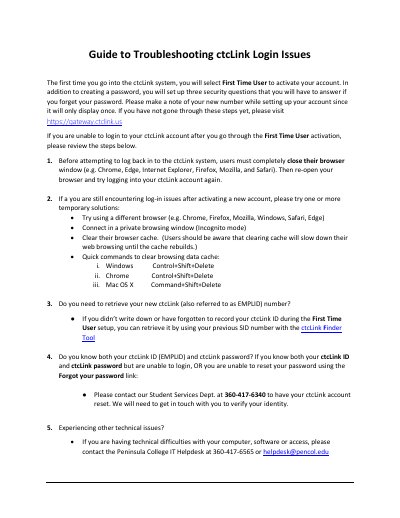
This document provides instructions for activating a new ctcLink account for the first time, including setting up security questions and noting the EMPLID number. It outlines steps to resolve login difficulties, such as closing and reopening the browser or using private browsing mode.
Users must completely close their browser window and then re-open it before trying to log in again.
You can retrieve it by using your previous SID number with the ctcLink Finder Tool.
You should contact the Student Services Dept. at 360-417-6340 to have your account reset.