
Key facts
- Manuals
- 1
- Languages
- EN
- Last added
- 2023-10-27
Featured Peninsula College manuals
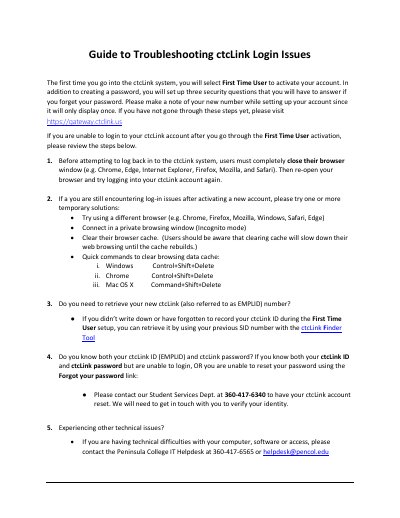
Peninsula College ctcLink Login Troubleshooting Guide
This document provides instructions for activating a new ctcLink account for the first time, including setting up security questions and noting the EMPLID number. It outlines steps to resolve login difficulties, such as closing and reopening the browser or using private browsing mode.
Covers: First Time User activation · Security questions setup · Browser troubleshooting · Clearing browser cache · Retrieving EMPLID number · Password reset contact
Latest Peninsula College manuals
Peninsula College ctcLink Login Troubleshooting Guide
User Manual 1 pages · 521 KB · ENA guide for Peninsula College students to troubleshoot ctcLink login issues, including account activation, browser clearing, and password resets.
Which document do I need?
User Manual
Day-to-day operation, settings and troubleshooting. Start here if the product is already set up.
Questions answered in Peninsula College manuals
What should I do if I cannot log in after activating my account?
Users must completely close their browser window and then re-open it before trying to log in again.
How can I retrieve my ctcLink ID if I forgot it?
You can retrieve it by using your previous SID number with the ctcLink Finder Tool.