
This is a user manual for a motherboard.
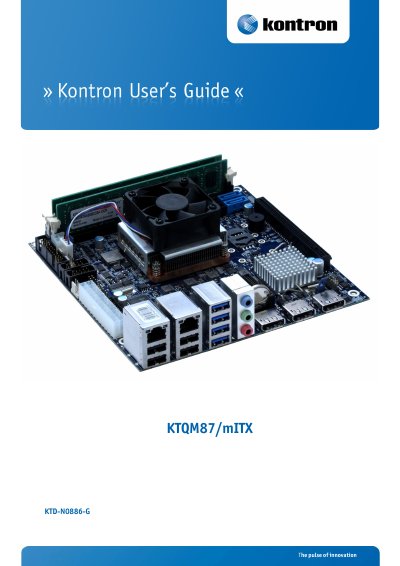
This user manual provides detailed instructions for installing and operating the Kontron KTQM87/mITX motherboard. It includes safety guidelines, component specifications, connector layouts, and BIOS configuration options. The guide is intended for users working with ITX form factor systems and covers both hardware and software setup procedures.
The manual also addresses high-risk applications, ESD precautions, and power handling, ensuring safe operation and long-term reliability. It includes updated BIOS settings and power specifications, with revision history for changes made since 2013.
| Processor Support | Intel® HD Graphics 4600, Intel® HD Graphics 5200 |
|---|---|
| Graphics Subsystem | Supports 3-display configurations |
| Power Specification | ATX+12V-24p connector |
It supports Intel® HD Graphics 4600 and Intel® HD Graphics 5200, with 3-display configurations and DP adapters.
The motherboard uses an ATX+12V-24p power connector.