
This is a user manual for the product of KROHNE Marine company
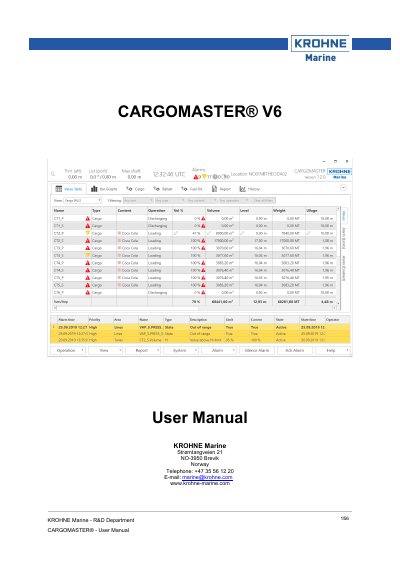
This manual describes the Human Machine Interface (HMI) and run-time operation of the KROHNE CARGOMASTER® system, which is used for tank gauging and valve remote control on vessels. The system is modular and integrates with mechanical, electrical, and computer components to monitor cargo, ballast, and fuel oil tanks.
The document provides instructions on navigating the user interface, operating tanks for loading and discharge, managing alarms, controlling valves, generating reports, and performing maintenance tasks such as sensor calibration and disabling.
| System Type | Human Machine Interface (HMI) and run-time operation system |
|---|---|
| Primary Functions | Tank gauging and valve remote control |
| Supported Protocols | RS232 or RS485 serial interface |
| Sensor Types | Ballast/line pressure sensors, radar transmitters, temperature transmitters, 4-20 mA transmitters |
Start the application by clicking the 'Monitoring System Client' icon on the desktop.
Press Alt+F3 for Value Table, Ctrl+F3 for Bar Graph, and Shift+F3 for Layout views.
This alarm occurs when the tank or line does not have valid input on one or more sensors due to an IO error or a faulty sensor.
Users can select to display density in air or weight in air via the Unit Settings menu or by selecting specific columns in the Value Table.