
This is a blood glucose monitoring system user manual
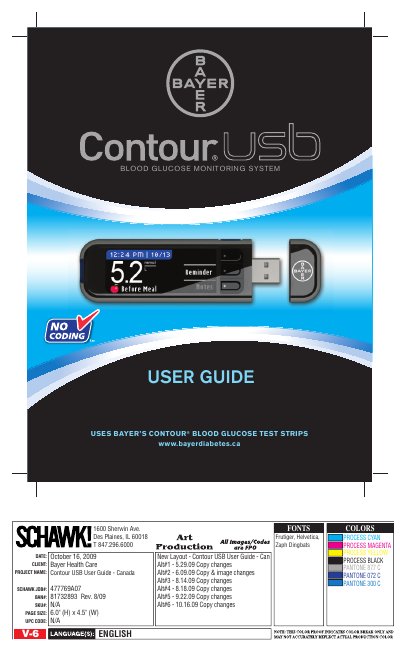
This user guide explains how to use the CONTOUR® USB blood glucose monitoring system, including initial setup, testing procedures, and data management via GLUCOFACTS® DELUXE software. It covers battery charging, test strip insertion, menu navigation, and setting personal targets. The guide also includes safety information and care instructions for the device.
The system is designed for self-testing by people with diabetes and includes features like AutoLog for marking test times and a USB connection for data transfer to a computer.
It is intended for self-testing by people with diabetes and by health care professionals to monitor glucose concentrations in whole blood.
Plug your meter into your computer. The meter will briefly display 'Do Not Test-Charging' and the test strip port light will flash.
No, the meter only works with CONTOUR test strips.
GLUCOFACTS® DELUXE software is installed on the meter and can be accessed by plugging the meter into a computer.