
Installation manual of JA-60 “COMFORT” alarm system
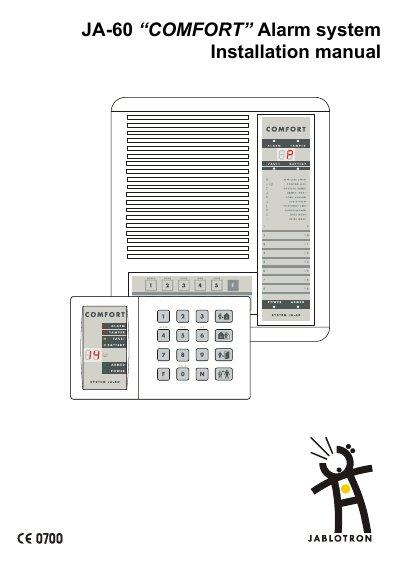
The JA-60 COMFORT is a Jablotron alarm system. This installation manual describes control panel installation, including opening the housing, wall mounting, antenna and AC adapter connection, telephone line connection, and backup battery installation. It also covers installing the JA-60N magnetic door detector and JA-60P motion detector.
The manual explains enrollment and testing of detectors and remote controls, control panel programming, voice and pager message settings, remote access, monitoring station communication, and troubleshooting. It states that it is valid for control panel model JA-60KX with SW versions FM61215 and DY61232, and that Comlink Windows v. 58 or higher is required.
| Control panel model | JA-60KX |
|---|---|
| Software versions | FM61215 and DY61232 |
| Wireless range | about 100 meters under optimal conditions |
| AC adapter output | 15 VAC |
| Backup battery runtime | over 12 hours |
| Required software | Comlink Windows v. 58 or higher |
The range is about 100 meters under optimal conditions; indoor installations may have a shorter working range because building materials can absorb or obstruct radio signals.
The battery can provide over 12 hours of power to the control panel.
The LED display shows “P“, confirming that the system is in programming mode.
Comlink Windows v. 58 software or higher is required.