
This is the P450 Pro projector user manual from aaxa TECHNOLOGIES, which introduces the features and characteristics of the product, function operation methods, etc.
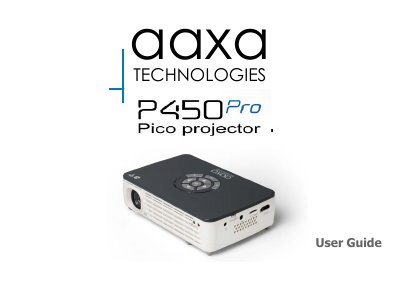
The AAXA Technologies P450 Pro User Guide describes the P450 Pro projector, its remote and keypad, accessories, and basic power-on and power-off steps. It also explains focus adjustment, throw distance, external inputs and outputs, and main menu navigation.
The guide covers connecting the projector to a computer through HDMI or VGA, composite video, loading external content, viewing pictures and 3D content, smartphone mirroring, Wi-Fi, Bluetooth, and the settings menu. It ends with troubleshooting and specifications.
| Throw Ratio | 1.2 |
|---|---|
| Projection Angle | 100% Offset |
| Minimum Throw Distance | 20 inches |
| Native Resolution | 1280x800 |
| Lamp | Triple RGB LEDs with Vibrant Color Technology |
| Audio Output | 1.0 W (x2) stereo speakers |
| SD Card | MicroSD Card Slot (32GB maximum) |
| USB | 5 Pin USB 2.0 (Full Size) (32GB maximum) |
| Supported File Formats | MP3, WMA, OGG, WAV, AVI, BMP, JPG, TXT |
| 3D Engine | 3D Active Shutter Technology |
| Processor | High Performance Dual Core |
Spin the focus wheel up or down until the image becomes clear.
Toggle the Power Switch to the OFF position.
Check the power outlet and adapter connections; if using the power button, hold it for a full 3 seconds.
Press the power button twice on the keypad or remote control; the optical engine powers off and the fan stops.