
Key facts
- Manuals
- 1
- Languages
- EN
- Last added
- 2023-10-26
Featured AAXA Technologies manuals
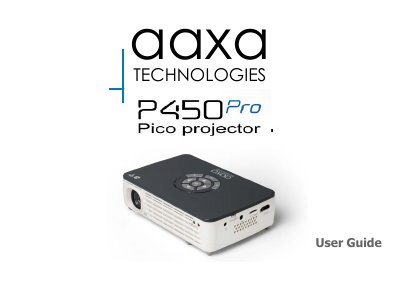
AAXA Technologies P450 Pro Projector User Manual
The AAXA Technologies P450 Pro User Guide describes the P450 Pro projector, its remote and keypad, accessories, and basic power-on and power-off steps. It also explains focus adjustment, throw distance, external inputs and outputs, and main menu navigation.
The guide covers connecting the projector to a computer through HDMI or VGA, composite video, loading external content, viewing pictures and 3D content, smartphone mirroring, Wi-Fi, Bluetooth, and the settings menu. It ends with troubleshooting and specifications.
Covers: P450 Pro at a Glance · Remote & Keypad · Getting Started · Focus Adjustment / Throw Distance · External Inputs and Outputs · Navigating the Main Menu
Latest AAXA Technologies manuals
AAXA Technologies P450 Pro Projector User Manual
User Manual 62 pages · 2.3 MB · ENUser guide for the AAXA Technologies P450 Pro projector covering setup, connections, menu navigation, settings, troubleshooting, and specifications.
Which document do I need?
User Manual
Day-to-day operation, settings and troubleshooting. Start here if the product is already set up.
Questions answered in AAXA Technologies manuals
How do I adjust focus on the P450 Pro?
Spin the focus wheel up or down until the image becomes clear.
How do I fully turn off the P450 Pro?
Toggle the Power Switch to the OFF position.