
This manual introduces the basic connection and operation methods of COM-KG USB communication converter.
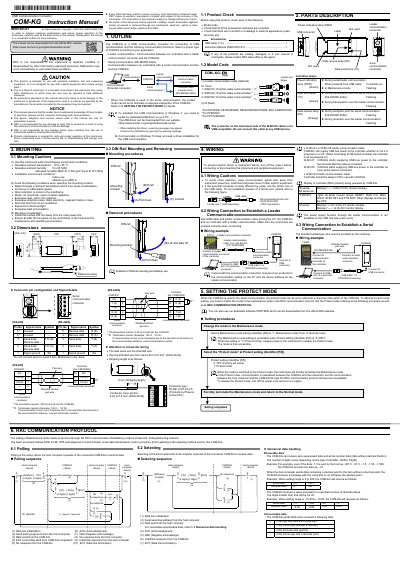
The RKC COM-KG is a USB communication converter that connects a host computer to RKC controllers using loader communication or serial communication (RS-485/RS-422A). It can supply USB bus power to a connected controller and is shipped with a 1 m USB cable and an instruction manual.
The manual describes product checks, parts identification, DIN rail mounting, wiring precautions and connections, and protect mode setup. It also lists environmental limits for indoor use up to 2000 m altitude.
| Allowable ambient temperature | ~10 to +56 °C |
|---|---|
| Altitude | up to 2000 m |
| USB cable length | 1 m |
The COM-KG supports loader communication with RKC controllers and serial communication using RS-485/RS-422A.
The package includes a 1 m USB cable and the instruction manual.