
This is a product manual that introduces the features and usage methods of RKC REX-C100/C400/C410/C700/C900 digital controller.
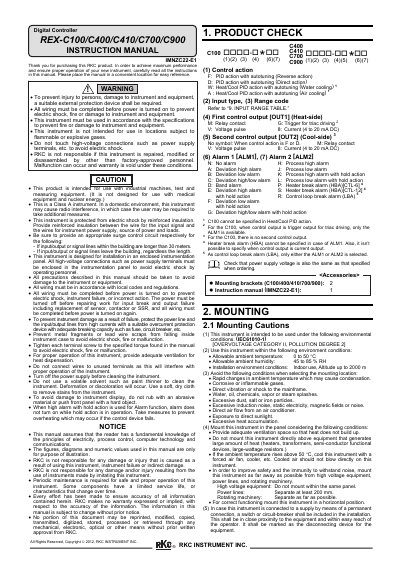
This RKC instruction manual covers the REX-C100/C400/C410/C700/C900 digital controllers. It includes safety warnings, product check steps, and mounting instructions for panel installation.
The document specifies allowable ambient temperature and humidity, altitude limits, and insulation requirements. Accessories listed are mounting brackets and the instruction manual.
| Allowable ambient temperature | 0 to 50 °C |
|---|---|
| Allowable ambient humidity | 45 to 85 % RH |
| Altitude | up to 2000 m |
| Overvoltage category | II |
| Pollution degree | 2 |
| Instrument class | Class A |
All wiring must be completed before power is turned on to prevent electric shock, fire or damage.
Turn off the power supply before cleaning and use a soft, dry cloth to remove stains.
No, it is not designed for use with medical equipment and nuclear energy.