
This manual introduces the basic operating methods of the OP-918 indicator of OPTIMASCALE.
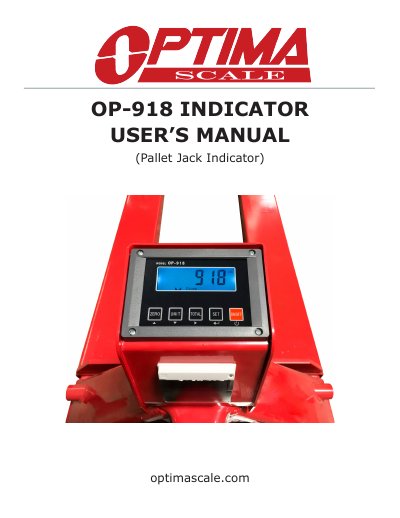
The Optimascale OP-918 indicator is designed for the hydraulic forklift truck scale application. It features an LCD display, kg/lb weighing units, gross and net weighing, tare, zero, accumulation weighing, optional printer, splash-proof keyboard and display, power saving mode, and a rechargeable battery.
This user manual covers safety precautions, setup, power supply, display and key descriptions, operating instructions, calibration, indicator parameter settings, connectors, and troubleshooting for the OP-918.
| Stimulating voltage | +3.3VDC |
|---|---|
| A/D converting speed | 10 SPS |
| Load signal range | 0~12.8mV |
| Load capacity | 4 pcs 350 load cell at most |
| Weight unit | KG/LB |
| Key | 5 function keys |
| Operation temperature | -10~40°C |
| Operation humidity | ≤90%RH |
| Storage temperature | -40 °C ~ +70 °C (32-104°F) |
| NTEP approval | 5,000 divisions |
| Battery charge duration | up to 22 hours |
Press the power button for 3 seconds to turn on the indicator.
The indicator charge lasts up to 22 hours.
The indicator shifts between weighing units, KG and LB.
Use the arrow key to change to “CLr y”, then press the SET key to select exit Accumulation mode.