
Key facts
- Manuals
- 1
- Languages
- EN
- Last added
- 2023-10-26
Featured Optima Scale manuals
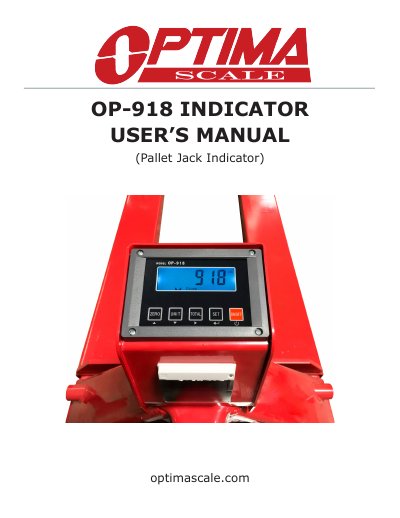
Optimascale OP-918 Indicator User's Manual
The Optimascale OP-918 indicator is designed for the hydraulic forklift truck scale application. It features an LCD display, kg/lb weighing units, gross and net weighing, tare, zero, accumulation weighing, optional printer, splash-proof keyboard and display, power saving mode, and a rechargeable battery.
This user manual covers safety precautions, setup, power supply, display and key descriptions, operating instructions, calibration, indicator parameter settings, connectors, and troubleshooting for the OP-918.
Covers: Safety Precautions · Preparations and Set Up · Features · Specifications · Power Supply · Display and Key Descriptions
Latest Optima Scale manuals
Optimascale OP-918 Indicator User's Manual
User Manual 19 pages · 1.5 MB · ENThe Optimascale OP-918 Indicator User's Manual provides operating instructions for the pallet jack weighing indicator, including setup and calibration.
Which document do I need?
User Manual
Day-to-day operation, settings and troubleshooting. Start here if the product is already set up.
Questions answered in Optima Scale manuals
How do I turn on the OP-918 indicator?
Press the power button for 3 seconds to turn on the indicator.
How long does the OP-918 battery charge last?
The indicator charge lasts up to 22 hours.