
This document describes how to install and use Shaw's WiFi modem.
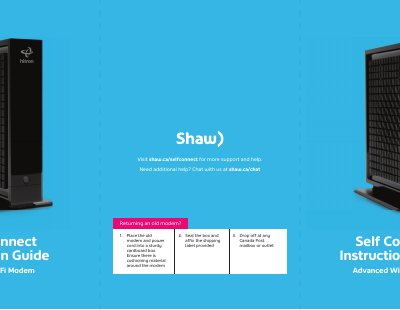
This Shaw Advanced WiFi Modem Self Connect Instruction Guide explains what you need and how to place, connect, power up and activate the modem. It also covers optional connection of the modem and TV box to the same outlet using a splitter.
The guide includes common questions about the WiFi network name and password, where to place the modem, and how to return an old modem by boxing it with cushioning, sealing it, affixing the provided shipping label and dropping it off at Canada Post.
The sticker on the front of the modem contains your WiFi information: the SSID is the network name and the WiFi Key is the network password.
Place it in a central, visible, elevated location and avoid basements, cabinets, appliances, electrical equipment and metal objects.
Use a 2-way splitter and three lengths of coax cable total, connecting one cable to the wall outlet, one to the modem and one to the TV box.
If this is your first time activating Shaw services, open the MyShaw app to create a MyShaw ID and password and complete activation; existing Shaw customers can contact Shaw or chat online.