
The Shaw Direct IRC600 IR and URC600 IR/RF Remote Controls by Universal Electronics are our latest generation universal remote controls. Their sophisticated technology allows you to consolidate up to three of your original home entertainment remote controls into one easy-to-use product. The remote control requires installing two (2) new AA batteries (included) and simple programming instructions to control your TV. For best results, please read and perform all instructions listed here. Also, keep this guide for future reference.
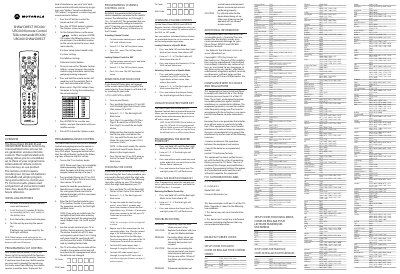
The Shaw Direct IRC600 (IR) and URC600 (IR/RF) are universal remote controls that can replace up to three separate entertainment device remotes. They are designed for use with a TV, satellite receiver, and auxiliary devices such as DVD players.
The guide covers battery installation, programming of satellite, device, channel, and volume controls, master power key setup, troubleshooting tips, and FCC compliance information. It also includes extensive manufacturer code lists for programming a wide range of brands.
| Battery type | AA |
|---|---|
| Maximum devices controllable | Three |
| FCC ID | MG33051 |
Replace the batteries with two new AA alkaline batteries and ensure you are aiming the remote within 15 feet of the device.