
The HARTING MICA® Basic Ethernet Starter Kit is designed to give you a jump start in developing Industry 4.0 digital retrofit applications. It is ideal for those who are looking to connect periphery devices through Ethernet that may communicate over protocols such as Modbus-TCP or OPC UA. The kit contains all of the cabling required to get started and a basic version of the HARTING MICA and software. Like with all the other starter kits, this kit comes equipped with Fast-Ethernet capabilities, 8 digital GPIO ports, and the ability to be powered over PoE or 12V/24V. This document will guide you through the necessary steps of setting up your HARTING MICA.
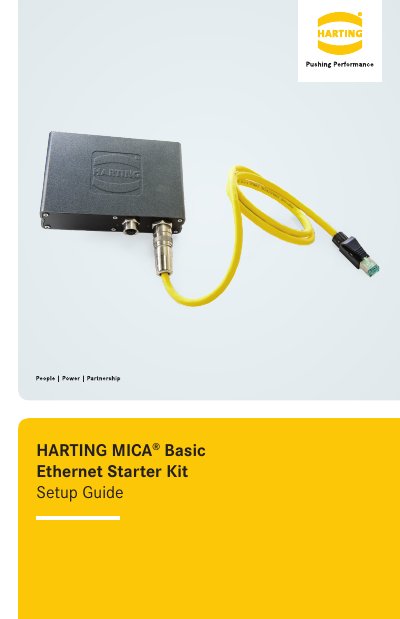
This Setup Guide describes how to get the HARTING MICA Basic Ethernet Starter Kit running. The kit is intended for developing Industry 4.0 digital retrofit applications and for connecting periphery devices through Ethernet using protocols such as Modbus-TCP or OPC UA. It ships with all required cabling, a basic version of the HARTING MICA and software, Fast-Ethernet capabilities, 8 digital GPIO ports and the ability to be powered over PoE or 12V/24V.
The guide lists the parts included with their part numbers and then walks through hardware setup: connecting the GPIO cable's M12 I/O connector to the MICA I/O socket, the barrel jack to the power supply, the LAN cable's M12 PushPull connector to the MICA PushPull socket, and the RJ-45 connector to a PC or switch. It then explains how to reach the web interface by setting a static IP in the range of the MICA's default address 10.10.10.10, and points to NodeRed and the starter kit website for further development. This edition is dated 2018, 07/27.
| Ethernet | Fast-Ethernet capabilities |
|---|---|
| Digital I/O | 8 digital GPIO ports |
| Power supply options | PoE or 12V/24V |
| Default IP address | 10.10.10.10 |
| Subnet mask | 255.255.255.0 |
| Included power supply | 12V 1A |
| HARTING MICA Basic part number | 2095000000300 |
Connect the M12 I/O connector of the GPIO-cable to the MICA I/O socket, then connect the barrel jack of the GPIO-cable to the power supply.
The MICA's IP address defaults to 10.10.10.10, so your computer's static IP should be in the range 10.10.10.x with subnet 255.255.255.0.
The I/O LED lights up red while the MICA is booting up and turns green once it has booted up; the PoE LED flickers orange when data is being transferred.
The login screen accepts the credentials shown on the MICA's product label, where the device name, password, MAC address and serial number are printed.